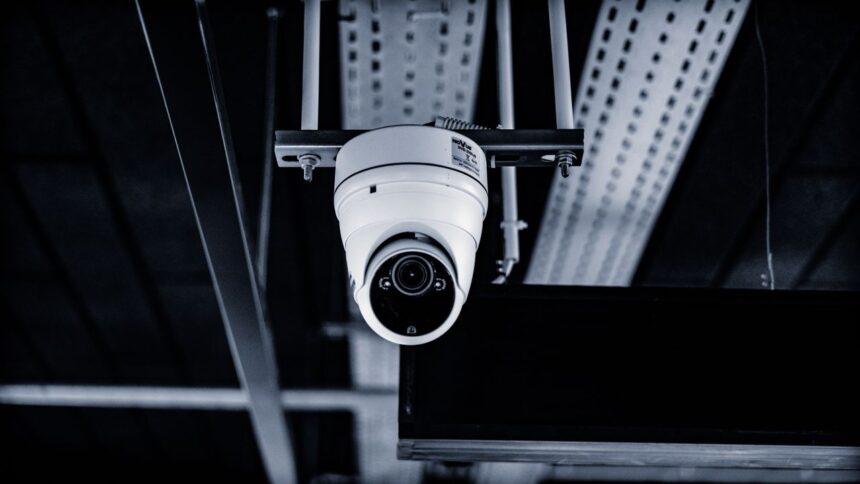
Imagine discovering a break-in at your business, only to find that the security cameras stopped recording hours before it happened. The equipment was installed, the cameras were positioned correctly, and everything appeared to be working, yet the footage needed to understand the incident is missing. Problems like these often arise when surveillance equipment, network infrastructure, and access controls are planned separately. That’s why an alarm system setup for commercial space should be coordinated with video surveillance and the connections supporting it. Without that coordination, even expensive security equipment can leave a property vulnerable when reliable monitoring matters most.
Security Depends on More Than Where Cameras Are Mounted
Choosing high-resolution cameras is only one part of creating an effective surveillance system. Video must also travel reliably, remain stored for an appropriate period, and be accessible when someone needs to review an incident. A camera overlooking a loading entrance might record every delivery, but if the footage is difficult to retrieve or recordings are incomplete, much of that coverage loses its practical value.
The building itself should determine where cameras belong. Entry doors, stairwells, shared corridors, reception areas, and loading zones have different surveillance requirements. Lighting conditions change throughout the day, while shelving, partitions, and parked vehicles can obstruct important angles. Assessing these conditions before installation helps prevent blind spots and unnecessary equipment purchases.
Why the Network Behind the Cameras Matters
Modern surveillance increasingly relies on network-connected cameras that transmit footage to recording equipment or centralized management platforms. These video streams require sufficient bandwidth, reliable switches, and properly installed cabling. A network that handles everyday office activities comfortably may struggle when dozens of cameras begin transmitting high-definition video simultaneously.
Consider a building with surveillance cameras on several floors and one central recording room. Every video stream must travel through the network without creating bottlenecks during busy periods. For this type of property, fiber optic cabling design for multi-story buildings can provide high-capacity connections between floor switches and central recording equipment. Individual cameras can still use shorter copper Ethernet connections to receive both data and power.
A carefully planned network also makes future expansion easier. Additional cameras, upgraded recording equipment, or new access control devices can place more demands on existing connections. Providing reasonable spare capacity from the beginning helps prevent expensive infrastructure changes whenever security requirements evolve.
Give Every Camera a Clear Purpose
Installing more cameras doesn’t automatically mean better security. Effective surveillance begins with understanding how people, vehicles, and goods move through a property. Where do employees enter? Which areas contain valuable equipment? Are delivery entrances visible from occupied workspaces? These questions help determine which locations need continuous coverage and which require more specialized monitoring.
Camera placement should also reflect the purpose of each view. A wide-angle camera may be suitable for observing movement across a warehouse floor, while identifying someone at an entrance may require a narrower field of view and greater image detail.
Connecting surveillance with access control systems can provide additional context. A door opening during normal business hours may be routine, while activity around the same entrance after closing could deserve attention. Reviewing access events alongside video helps security personnel distinguish ordinary movement from potentially suspicious behavior.
Build a System That Can Handle Unexpected Problems
Even well-designed surveillance equipment can experience interruptions. Power failures, damaged cables, malfunctioning switches, and internet outages can prevent cameras from transmitting or storing footage.
A dependable system accounts for these possibilities before installation. Backup power can keep critical equipment operating during short outages, while local recording may preserve footage when an external internet connection becomes unavailable. In larger facilities, separating security traffic from ordinary office network activity can improve performance and simplify troubleshooting. Particularly important areas may justify redundant network connections or recording arrangements.
Regular maintenance is equally valuable. Camera lenses need cleaning, storage devices require health checks, and software should receive appropriate security updates. Testing recorded playback rather than checking only live video helps reveal problems that might otherwise remain unnoticed until an incident occurs.
Make Surveillance Useful Without Compromising Privacy
Easy access to recorded footage is important, but unrestricted access creates unnecessary risks. A security manager may need to review several cameras, while reception employees might only require a live view of visitor entrances.
Individual user accounts, appropriate permissions, strong authentication, and secure remote connections help protect surveillance systems against unauthorized access. Staff should also understand when footage may be viewed, exported, or shared.
Storage policies deserve similar attention. Retaining recordings for too little time could make incident investigations difficult, while keeping everything indefinitely can increase storage costs and raise privacy concerns. A clear retention schedule should reflect operational needs, applicable regulations, and the sensitivity of recorded areas.
Plan for Tomorrow’s Building, Not Just Today’s Layout
Commercial properties rarely remain unchanged. A growing business may add a warehouse section, renovate an office floor, or introduce new entry points. Each change can affect camera positioning, network traffic, and access permissions.
Planning accessible cable routes, organized equipment rooms, spare network capacity, and flexible surveillance software makes future improvements less disruptive. Accurate documentation of network connections and equipment locations also helps technicians troubleshoot problems without unnecessary guesswork.
Before approving a surveillance upgrade, building managers should review camera coverage, network capacity, recording requirements, alert procedures, and ongoing maintenance responsibilities together. These elements determine whether the system will remain dependable during everyday operations and unexpected incidents.
Ultimately, reliable commercial surveillance isn’t about installing the greatest number of cameras or choosing the newest technology. It’s about creating a coordinated system in which security equipment, cabling infrastructure, and practical operating procedures work together to deliver clear, accessible information when it matters most.