Typing a sentence and watching it turn into a finished image still feels a little like magic. That’s the whole promise behind an AI Photo Generator: you describe a scene, and the software paints it for you. But not every tool handles that promise the same way.
I spent a week testing three different platforms that let you turn art from text prompt input into usable visuals. Some leaned toward polished portraits. Others leaned toward wild, surreal creativity. Here’s what I found, tool by tool, with zero sugarcoating.
Meet the Three Contenders
The AI image space is crowded, but I narrowed it down to three tools with genuinely different personalities:
- Photogenerator.ai — leans into realistic human portraits and headshots
- Pixlr Image Generator — built inside a full photo editor, casual and flexible
- Morphic AI Image Generator — a resource-style tool aimed at broader creative experimentation
Each one approaches the same core idea — text-to-image generation — from a different angle. Let’s break them down one at a time.
Photogenerator.ai: The One That Takes Faces Seriously
What It’s Built For
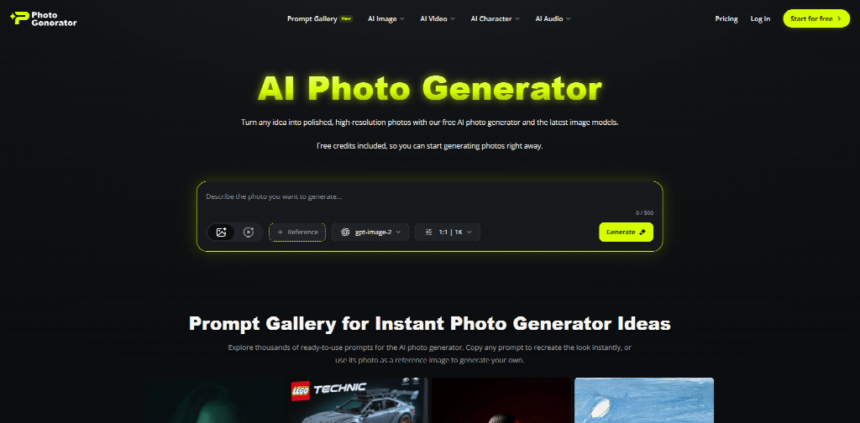
Photogenerator.ai focuses heavily on people. Headshots, profile photos, portrait-style outputs — that’s its lane. It’s not trying to be a general-purpose art generator.
Feature Highlights
You upload a few reference photos of yourself. The AI photo generator then produces multiple styled variations — professional lighting, different backgrounds, different outfits. It also supports batch generation for teams needing multiple headshots at once.
My Test Run
I uploaded five selfies taken on my phone, nothing fancy. Fifteen minutes later, I had a dozen headshot variations, three of which looked genuinely LinkedIn-ready. One background looked slightly too smooth, almost airbrushed, but the facial likeness stayed accurate across every version.
Where It Shines and Where It Doesn’t
It’s excellent at consistent, professional-looking portraits. It’s not built for landscapes, product shots, or abstract art. If you type a prompt like “a dragon flying over mountains,” you’re using the wrong tool entirely.
Pixlr Image Generator: The Casual All-Rounder
What It’s Built For
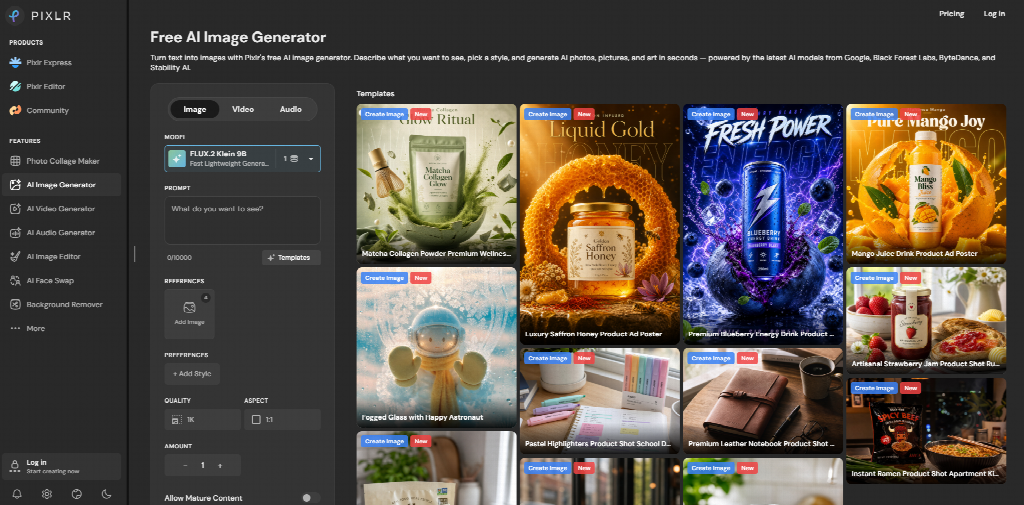
Pixlr already had a reputation as a browser-based photo editor. The image generator feature was bolted onto that existing toolkit, which shapes how it behaves.
Feature Highlights
You type a prompt, pick a style — anime, realistic, oil painting, digital art — and generate. Because it lives inside Pixlr’s editor, you can immediately retouch, crop, or layer the result without exporting to another app.
My Test Run
I typed “a cat wearing a business suit sitting at a desk,” expecting chaos. The first output was decent but slightly cartoonish around the paws. A second attempt with a more detailed prompt fixed most of that, producing a genuinely funny, shareable image within two tries.
Comparing the Experience
Compared to Photogenerator.ai, Pixlr feels less specialized but more playful. It’s less about precision realism and more about quick, editable art from text prompt experimentation. For casual content creators, that tradeoff often makes sense.
Morphic AI Image Generator: The Experimental Toolbox
What It’s Built For
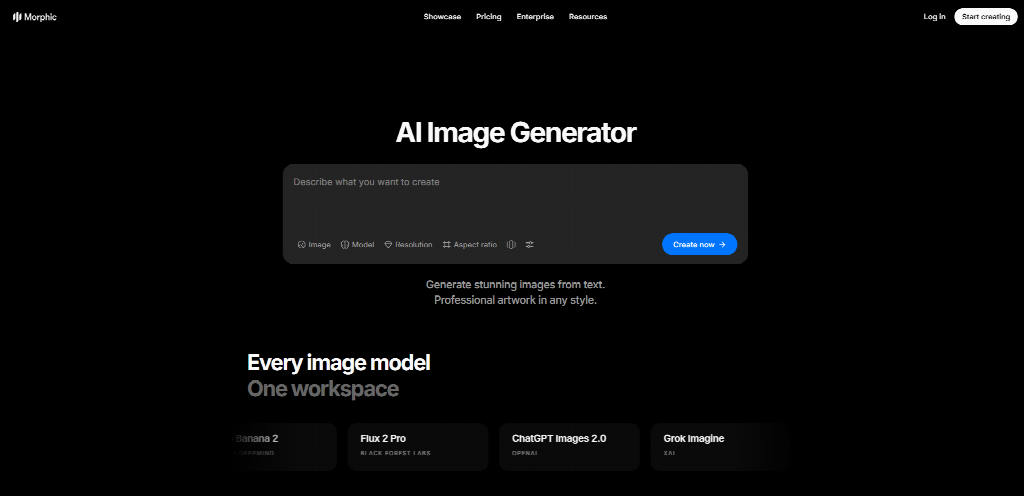
Morphic positions itself as part of a broader resource library rather than a single dedicated app. It’s aimed at people exploring different AI tools, not just one narrow use case.
Feature Highlights
The generator supports a wide range of prompt styles, from photorealism to concept art. It’s less polished in interface design compared to the other two, feeling more like a functional utility than a consumer product.
My Test Run
I tried a deliberately weird prompt: “a floating city made of glass, sunset lighting, cinematic.” The output was genuinely impressive in terms of atmosphere and color grading. Detail consistency, though, dropped slightly toward the edges of the image, a common issue with more experimental generators.
Who It Fits Best
Morphic feels built for people who enjoy tinkering — testing prompts, comparing outputs, learning how phrasing changes results. It’s less about quick, guaranteed output and more about creative exploration.
Side-by-Side: What Actually Separates Them
| Photogenerator.ai | Pixlr | Morphic | |
| Best for | Headshots, portraits | Quick creative edits | Prompt experimentation |
| Editing built-in | Limited | Full editor | Minimal |
| Realism accuracy | High for faces | Medium | Variable |
| Learning curve | Low | Low | Medium |
None of these tools wins across every category. That’s the honest takeaway.
Why This Matters Right Now
AI-generated imagery isn’t a niche experiment anymore. Grand View Research estimated the global AI image generation market at over $890 million in 2023, projecting continued double-digit annual growth through the decade. That growth tracks with what I’m seeing anecdotally — more freelancers, marketers, and small teams treating an AI photo generator as a default step in content production, not a novelty.
A friend running a small consulting firm recently swapped their team’s outdated headshots using exactly this kind of tool. Their LinkedIn engagement on profile updates jumped noticeably within the following month, based on their own analytics dashboard. Small sample size, sure, but it lines up with a broader pattern: professional-looking visuals still move the needle on how people perceive a brand or individual online.
Final Thoughts: Pick Based on the Job, Not the Hype
If you need clean, professional headshots without booking a studio, Photogenerator.ai handles that specific job well. If you want something flexible for quick social content with built-in editing, Pixlr makes more sense. If you’re the type who enjoys experimenting with prompt wording and exploring unconventional art from text prompt results, Morphic gives you more room to play.
None of these three tools is objectively “the best” AI Photo Generator overall. They’re built for different jobs, and testing them side-by-side made that obvious fast. The real skill now isn’t finding the one perfect tool — it’s matching the right tool to what you’re actually trying to create.